
How to Find Philadelphia County Court Dockets
Start at the First Judicial District case hub and pick the docket type that matches your case. The hub links to Common Pleas civil dockets, Orphans' Court dockets, Family Division dockets, Municipal Court civil dockets, Municipal Court new criminal filings, traffic dockets, and the statewide UJS criminal dockets. Each system searches a different set of cases, so the court type drives where you look.
A docket number is the fastest way in. If you only have a name, use a participant or party search and add a first name to narrow common matches. The city civil docket service supports case number, plaintiff, or defendant. If you only know a business name, try a few spellings, since companies are indexed by their legal name. If you only know a judgment debtor, the FJD debt-collection searches may work better than a broad civil search.
One detail trips up new users: the docket type controls the search. The UJS portal is for criminal docket sheets across the Commonwealth, while the FJD systems hold the civil, family, Municipal, and Orphans' Court records that the statewide portal does not carry. Choosing Philadelphia as the county keeps results inside the First Judicial District so you are not reading a case from another part of the state.
- Open courts.phila.gov/casesearch and choose case information.
- Pick the docket system for the case type.
- Search by docket number or party name, and select Philadelphia.
- Open the docket sheet and read the entries from the top down.
The city service page for civil docket searches is shown below.
The screenshot is the City of Philadelphia search civil case dockets service.
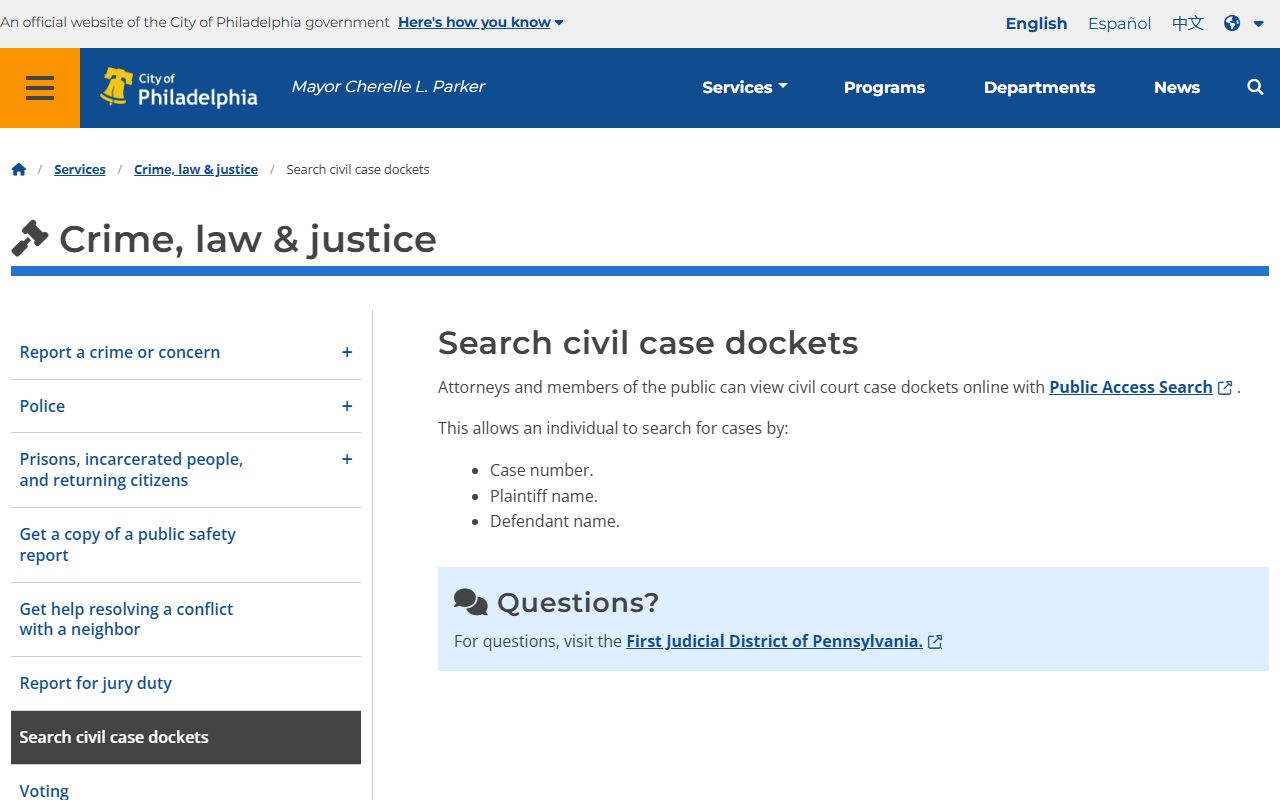
It confirms the public can search civil dockets by case number, plaintiff name, or defendant name.
Docket Sheets vs Full Case Files
People often expect a docket search to hand over every document. It does not. A docket sheet is the index and the event log for a case. It tells you the case number, the parties, the judge where listed, and a dated line for each filing or order. The full case file is different. It holds the actual pleadings, motions, exhibits, and transcripts, and much of that stays at the courthouse or behind an e-filing login. Knowing the difference saves a wasted trip, because the docket text often answers the question on its own. The table compares the two.
| Point | Docket Sheet | Full Case File |
|---|---|---|
| What it is | Index and dated event log | The actual filed documents |
| Cost | Free to view online | Copy and certified-copy fees apply |
| Access | Public docket portals | Clerk request or in-person visit |
| Documents | Listed, not attached | Full text available |
UJS Criminal Dockets for Philadelphia
Criminal docket sheets for Philadelphia come from the statewide Pennsylvania UJS Web Portal. They are free and cover Common Pleas and Municipal Court criminal cases. A criminal docket shows the case number, the charges, bail action, court events, and the disposition. It usually does not attach scanned pleadings. Common Pleas criminal dockets use a CP-51-CR prefix; Municipal Court criminal dockets use an MC-51 format.
Because a felony can start in Municipal Court and move to Common Pleas, you may find two dockets for one arrest. That is normal, not a duplicate. The Municipal Court docket covers the arrest, the preliminary arraignment, and the preliminary hearing. If the case is held for court, a new Common Pleas docket opens for the trial stage. Follow the offense tracking number, or OTN, to link the two records. A criminal docket sheet also shows the arresting agency, the bail amount and type, attorney names, and each proceeding with its date and outcome. For arrest-focused searching, see Philadelphia County arrest records.
Civil and Family Dockets on the First Judicial District
Common Pleas civil dockets cover larger civil suits, civil appeals, debt collection, and civil programs. A civil docket can show the cover-sheet data, the party and counsel names, the filing date, the case status, the program track, motions, orders, judgments, and trial listings. Complex cases may carry a commerce, mass tort, or arbitration label. The FJD e-filing and public access portal is the gateway for many of these dockets. Family Division dockets cover divorce, custody, support, and protection from abuse, but remote access is limited to dockets, orders, and opinions under court policy. Sensitive family documents stay confidential.
The FJD e-filing and public access portal is shown below.
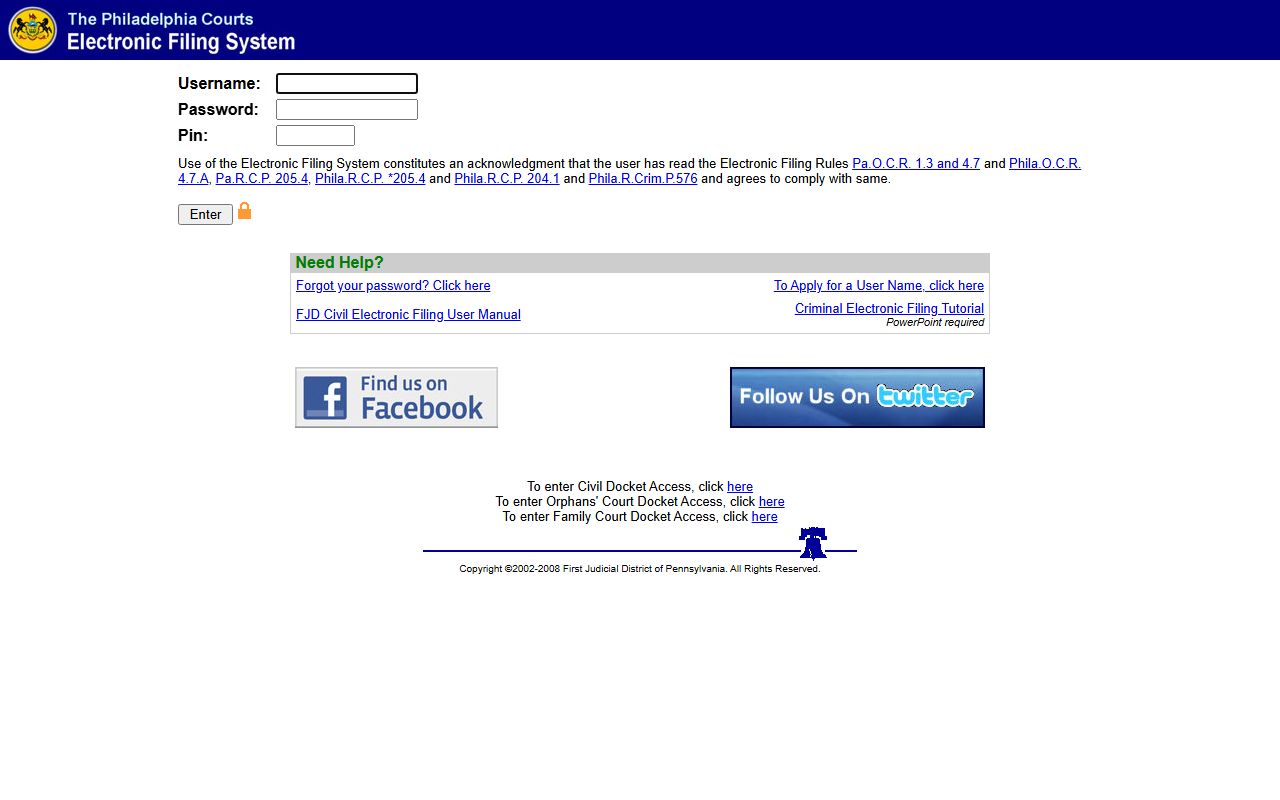
Public case search is available here, while filing and account features may require a login.
Municipal Court Civil Dockets
Municipal Court civil dockets cover small claims up to $12,000, landlord-tenant cases, and code-enforcement matters up to $15,000. These run through the Municipal Court civil claims portal. A Municipal Court civil docket can show the parties, the property address, the hearing date, a judgment amount, and possession or satisfaction entries.
The Municipal Court civil claims portal is shown here.
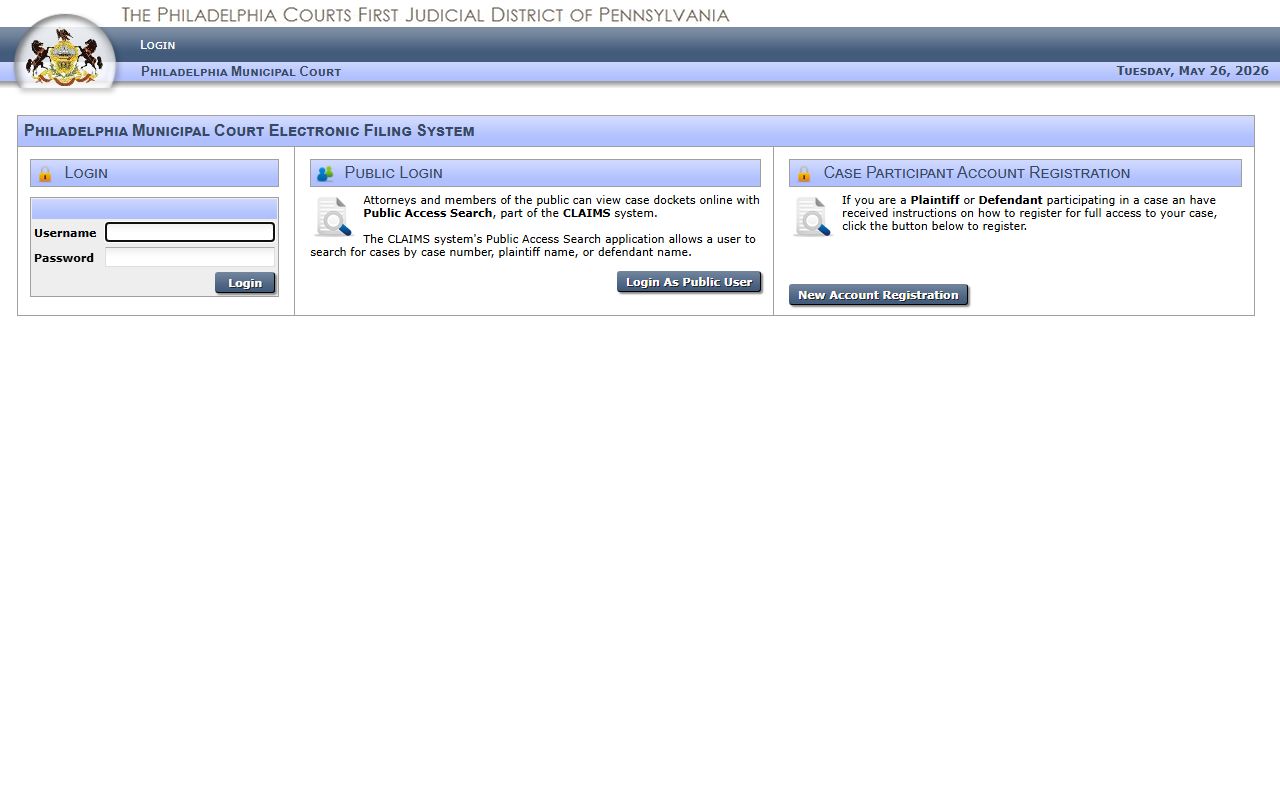
Tenants can also use the FJD Tenant Landlord Digital Assistant to understand the landlord-tenant process beyond the raw docket text. The Consumer Debt Collection Information Bot, or CODI, does the same for debt cases. These free FJD tools help you read what a Municipal Court docket means before a hearing date arrives.
Traffic and Calendar Dockets
The Philadelphia Municipal Court Traffic Division keeps its own docket system for city vehicle-law citations. A traffic docket can show the citation number, the charge, the hearing date, the plea, the disposition, and the fine or payment-plan status. The Traffic Division handles moving and equipment violations such as speeding or a broken headlight. It does not handle parking tickets, red-light camera tickets, or DUI, which route to other systems. For the full process, see Philadelphia County traffic court records.
The First Judicial District also splits calendar searches from case searches. Calendar links cover the Criminal Court calendar, the Common Pleas Civil Court calendar, the Orphans' Court calendar, the Municipal Court Traffic Division calendar, and the statewide UJS calendar. A calendar search tells you when and where a matter is listed, while a case search pulls the docket history. Use a calendar when you need a hearing date, and a docket when you need the record of what already happened.
What a Philadelphia County Docket Entry Shows
Each docket entry is a dated line in the case log. Read together, the entries tell the procedural story from the first filing to the final order. The table lists the fields you will see on a typical docket sheet.
| Field | What It Shows |
|---|---|
| Docket Number | The court's case ID |
| Event Date | When the filing or court event happened |
| Docket Text | A short description of the filing or action |
| Filing Party | Who filed the item, where shown |
| Disposition | The outcome of a charge, motion, or the case |
| Financials | Fines, costs, judgment amount, or restitution |
Docket Status and Dispositions
Status words tell you where a case stands. "Active" or "open" means it is still moving. "Disposed" or "closed" means it ended. "Held for court" means a Municipal Court matter moved up to Common Pleas. A disposition like "withdrawn," "nolle prosequi," or "dismissed" means a charge was dropped. A guilty plea or guilty verdict is a conviction; a charge by itself is not.
Bail entries show the amount and whether it was set, posted, revoked, or denied. A bench warrant entry means a judge issued a warrant, often for a missed court date. A "continued" entry means the matter moved to a later date. A "detainer" entry means a hold keeps the person in custody for another case or a probation issue, even if bail is met on the current charge.
Older dockets can be thinner than recent ones. Cases from before the current case-management systems may not be fully indexed online, and some may live only as paper files at the courthouse. If a name search turns up nothing for an old matter, that does not always mean the case never existed. Contact the Office of Judicial Records to check the archive.
Why Some Documents Are Not Online
Pennsylvania's public-access policy makes a clear split between public access and remote access. You may have the right to inspect a courthouse file even when the same document is not posted online. Transcripts, in forma pauperis petitions, and most family and probate documents are not remotely accessible beyond dockets, orders, and opinions. Confidential information and sealed material never appear online.
If a docket lists a document you need but does not show it, contact the Office of Judicial Records or the holding court. See the Office of Judicial Records page for request steps. Researchers and journalists who need data in bulk follow a separate lane: the electronic public-access policy allows bulk distribution of data not excluded from public access, with extra written explanation required for nonpublic data sought for scholarly, news, or research purposes. For a single case, though, the docket portal or a clerk request is the normal route.